




Advanced Download Manager
实用工具
搜索下载
开发者:
AdvancedApp
应用介绍: Powerful Downloader for Android:- downloading from internet up to three files simultaneously;- accelerated downloading by using multithreading (9 parts)- interception of links from android browsers and clipboard;- download files in background and resume after failure;- loader for images, documents, archives and programs;- downloading to SD-card for Lollipop and Marshmallow;- smart algorithm for increased speed of downloading;- downloading only through the internet on Wi-Fi;- boost downloader for 2G, 3G and 4G networks;- changing the maximum speed in real time;- video downloader and music downloader;- resuming of interrupted downloads;- support files larger than 2 gigabyte;- parallel download files in queue.Torrent downloader:- adding torrent and magnet through Editor, clipboard, browser and file explorer;- selection of necessary files and folders, display of their size and type, search by name, sorting;- in Right Menu you can filter Torrents and Seeding;- in Left menu quick options, in Settings a new section Torrent with all kinds of options;- Properties window displays information about torrent, Site Manager supports profiles for them;- for Running torrents in context menu commands are available to Force check and announce;- if enable Seeding torrents in context menu commands are available to Seeding All and Seeding, upload speed adjustment.Advanced Settings:- interface customization and themes;- select the folder for downloaded files;- different automatic actions after finishing;- save different file types in different folders;- create an empty file to accelerate downloading;- autostop process if the battery charge level is low;- import list of links from a text file on SD-card;- autoresume after errors and break of connection;- planning start of downloading at right time;- turbo mode for speed up downloading;- getting size of file and beautiful name;- backup list of downloads and settings;- profiles for each type of connection;- automatic operation on schedule;- support quick autoadd download.Clean Interface:- light material design;- filter by types and status;- left menu with quick options;- context menu for easy management;- sorting downloads by order, size and name;- open completed files through favorite apps;- information about downloading: speed, size, time;- support pause, resume, restart for downloads;- creation of advanced profiles for sites;- fine-tuning for each download;- widget on home screen.Extended Notifications:- icon with progress and speed in notification panel;- transparent progress-bar on top of all windows;- completion notification by sound and vibration.Built-in ADM Browser:- support of multiple tabs;- advanced media downloader;- list of history and bookmarks;- easy sending file to downloader;- download mp3 from popular archives;- interception of mp4 video from tubes;- easy downloader for all types of files;- download accelerator for social networking;- option "User-Agent" for forgery the browser.Simple control for downloads:- press on the download to start/stop the process;- press on the completed download to open the file;- long press on download to display the context menu.Add URL links in ADM:- press on link and from window "Complete action using" select ADM Editor;- long press on a link to display the context menu, press "Share" or "Send" and from window "Share via" select ADM Editor;- copy link, after program intercept it from clipboard and send in ADM Editor, or use "Add" button and paste the link.ADM is the best android download manager for you!
覆盖渗透率:
0.008%
应用大小:
57.84M
应用上线时间:
2016.01.03
数据概览
排名分析
用户生命周期
用户覆盖
新增用户
活跃用户
用户留存
用户质量分析
启动次数
使用时长
用户构成
用户特征分析
用户画像
用户偏好
设备分析
线下行为
运营数据分析
重合分析
来源去向
应用截图


日活跃用户
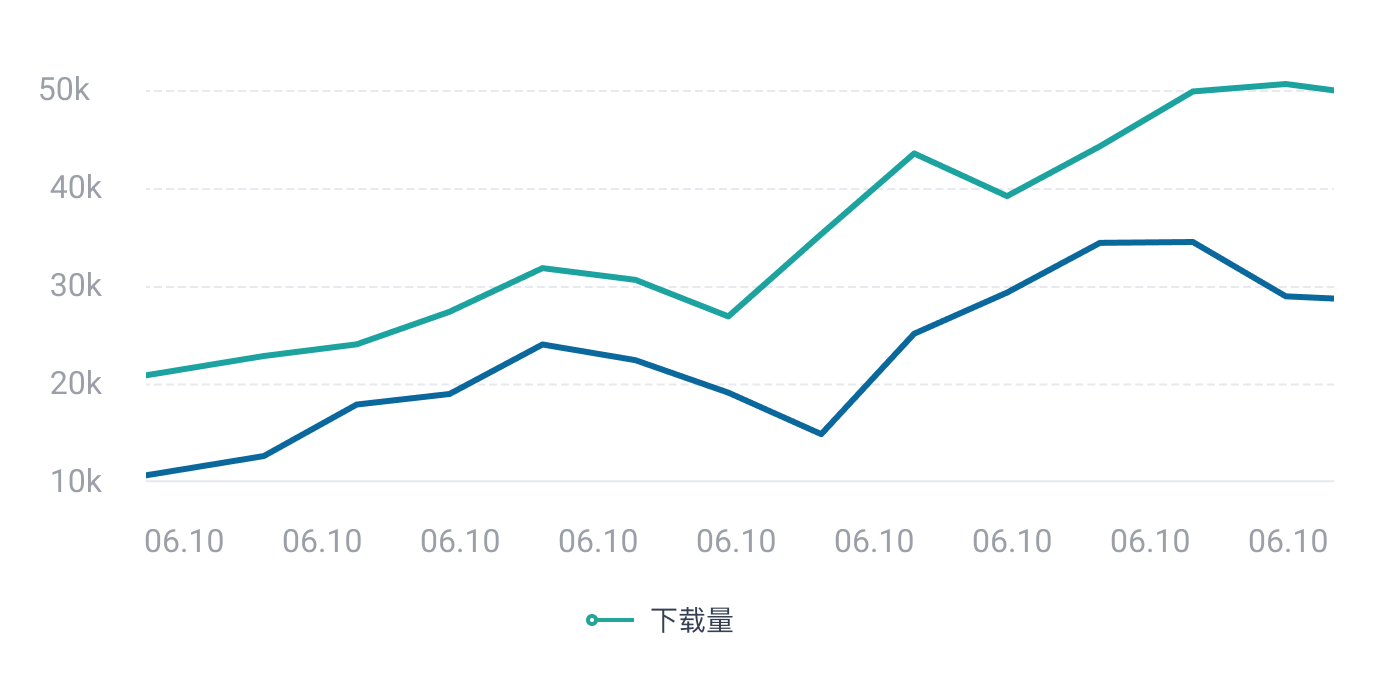
 立即联系,体验更多数据
日新增用户
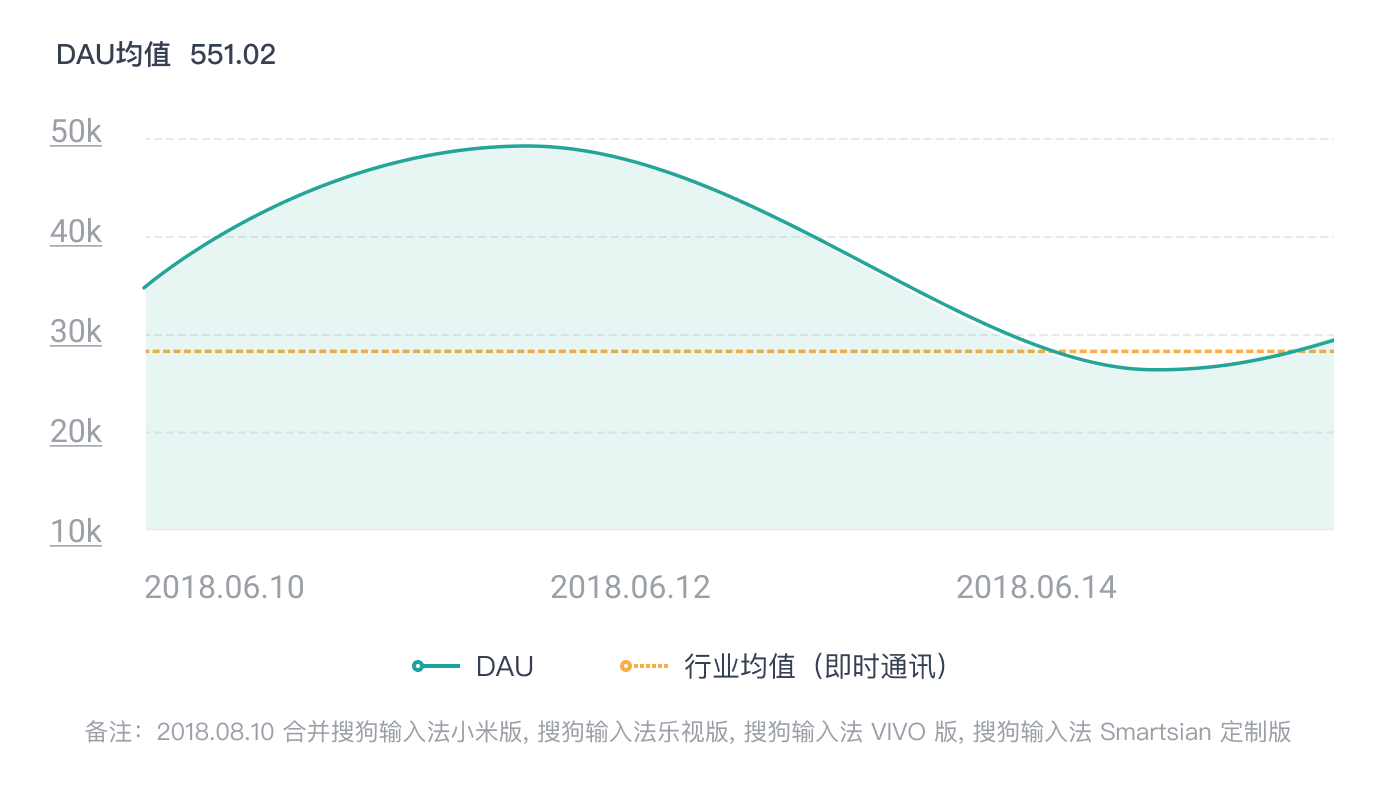 立即联系,体验更多数据
人均使用时长
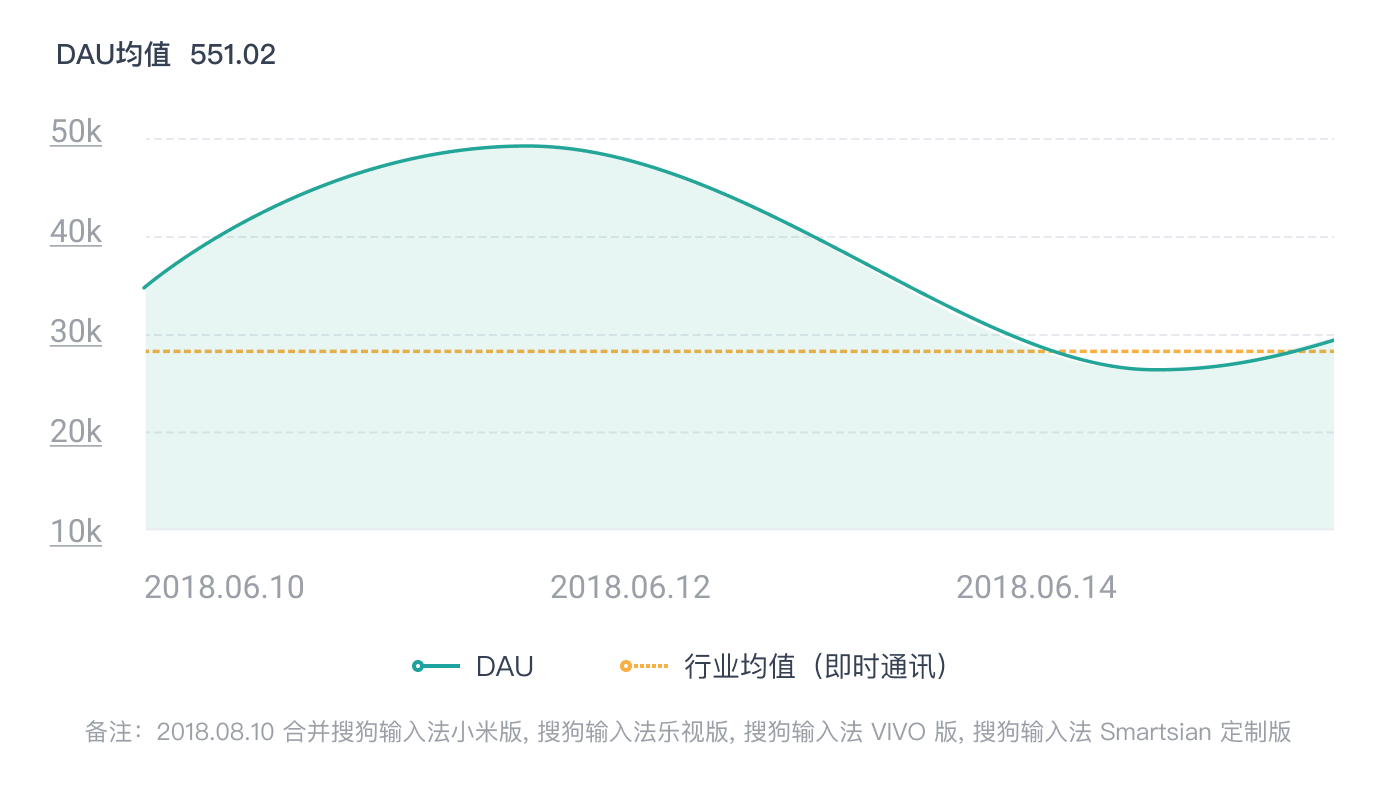 立即联系,体验更多数据
性别分布/年龄分布
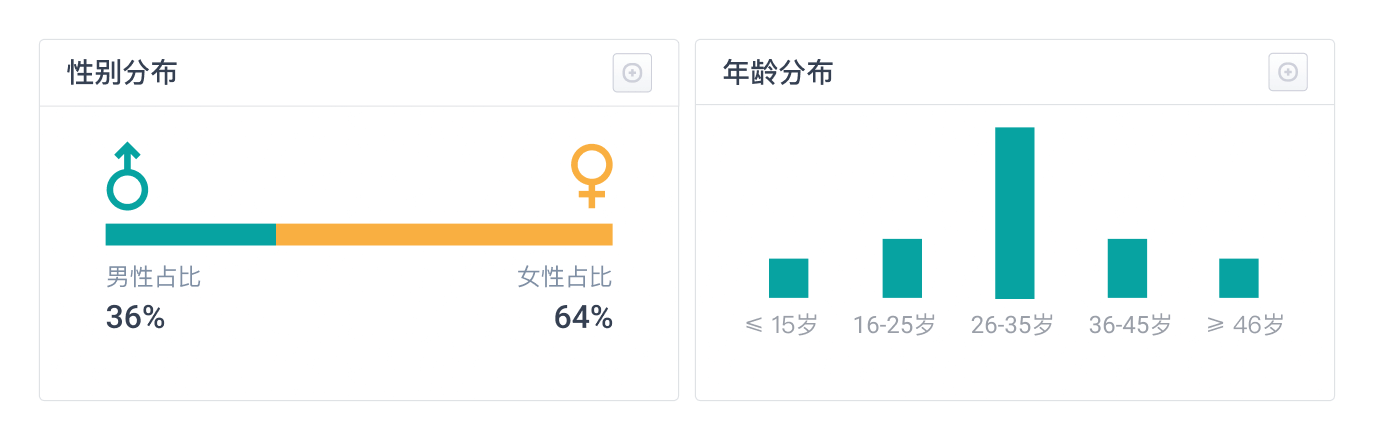 立即联系,体验更多数据
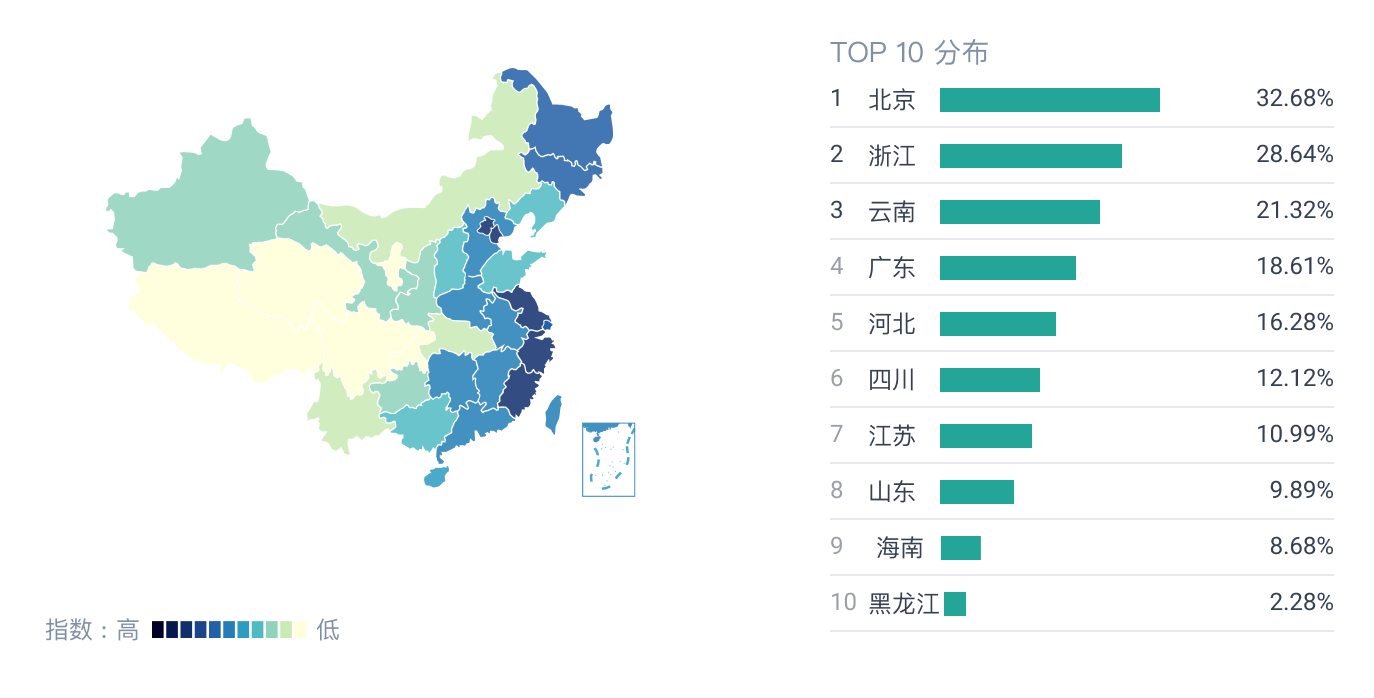
地域分布
 立即联系,体验更多数据
更新记录
版本号
更新时间
8.5
2020-07-30
14.0.8
2022-06-17
14.0.13
2022-08-29
显示全部



立即联系