



Microsoft Whiteboard
实用工具
手机锁屏
开发者:
MicrosoftCORPORATION
应用介绍: Note: Microsoft Whiteboard Preview app supports only work and school accounts currently. Support for personal accounts is coming soon.<br><br>Microsoft Whiteboard provides a freeform intelligent canvas where teams can ideate, create, and collaborate visually via the cloud. Designed for touch, type & pen, it lets you write or draw as smoothly as you would with ink, while adding text and sticky notes you can type/ annotate on. It enhances teamwork by allowing all team members to edit and comment directly on the canvas in real time, no matter where they are. And all your work stays safe in the cloud, ready to be picked back up from another location or device.<br><br>--Create freely, work naturally--<br>Microsoft Whiteboard provides an infinite canvas where imagination has room to grow: draw, type, add a sticky, move them around – it’s all possible. The touch-first, interface frees your ideas from the keyboard, and the intelligent inking technology transforms your doodles into great-looking shapes, and lines<br><br>--Collaborate in real time, wherever you are--<br>Microsoft Whiteboard brings every member of a team together working from their own devices across the globe. On the Whiteboard canvas, you can see where others are in real time and start inking on the same area – or not. It’s about getting everyone on the same page – or board.<br><br>--Save automatically, resume seamlessly--<br>Forget having to take photos of your whiteboards, or marking them with “Do Not Erase.” With Microsoft Whiteboard, your brainstorming sessions are saved automatically to the Microsoft cloud, so you can pick up where you left off, whenever – and wherever – inspiration strikes next.
覆盖渗透率:
0.001%
应用大小:
3.3M
应用上线时间:
2024.07.15
数据概览
排名分析
用户生命周期
用户覆盖
新增用户
活跃用户
用户留存
用户质量分析
启动次数
使用时长
用户构成
用户特征分析
用户画像
用户偏好
设备分析
线下行为
运营数据分析
重合分析
来源去向
应用截图


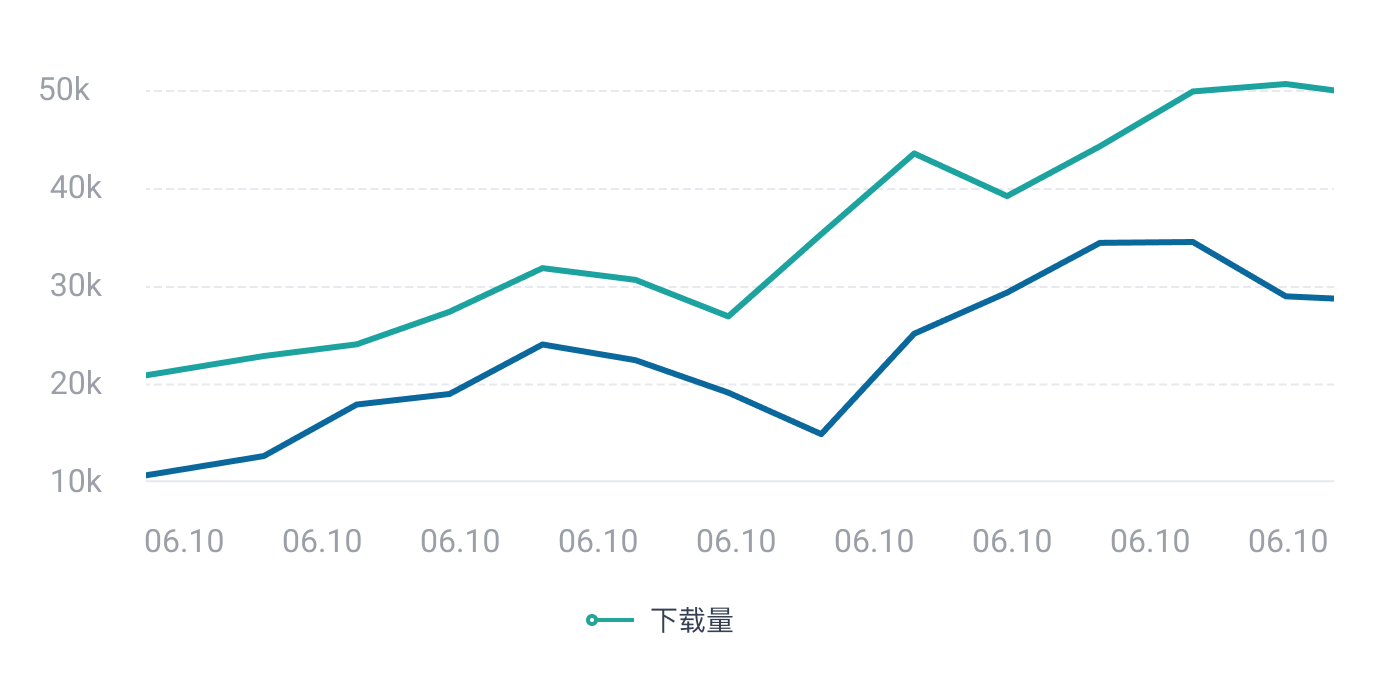
日活跃用户
 立即联系,体验更多数据
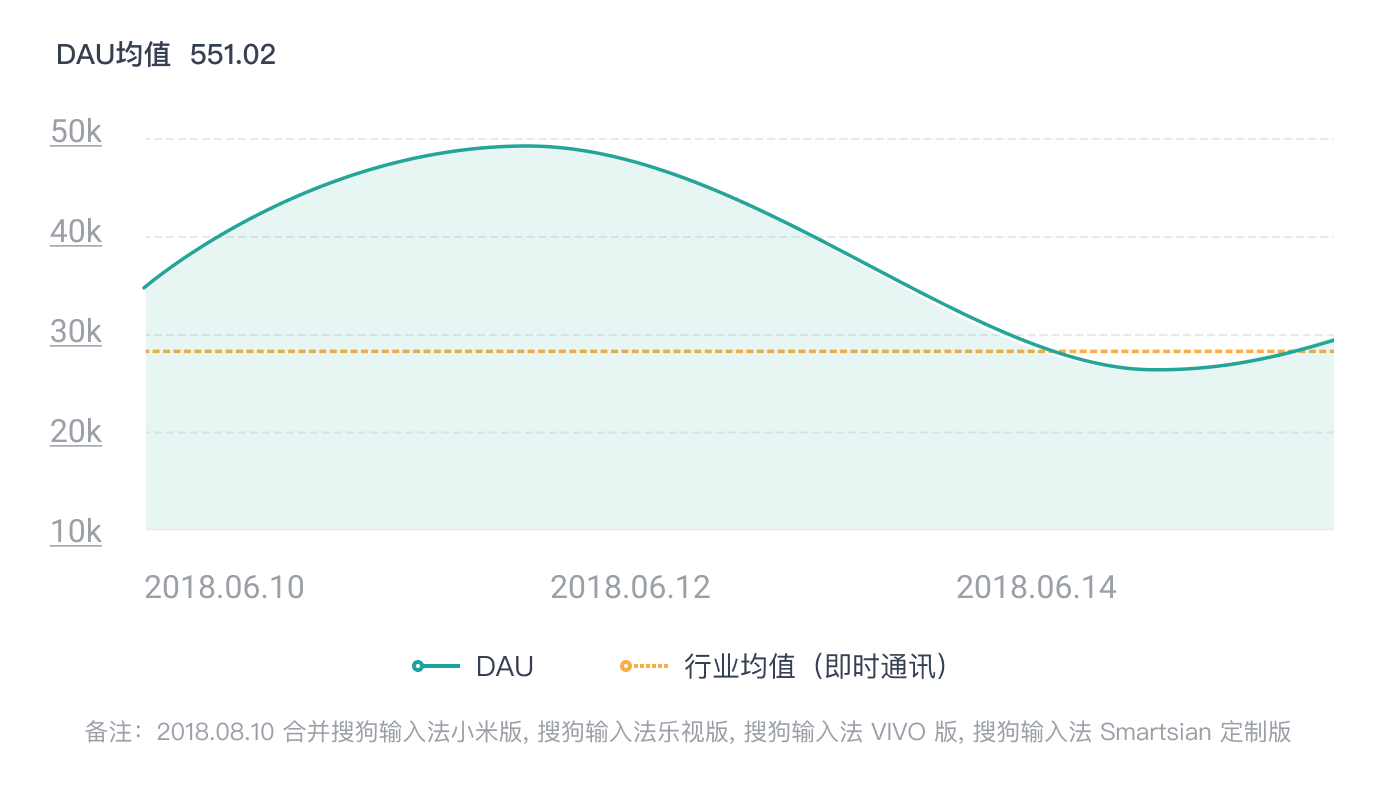
日新增用户
 立即联系,体验更多数据
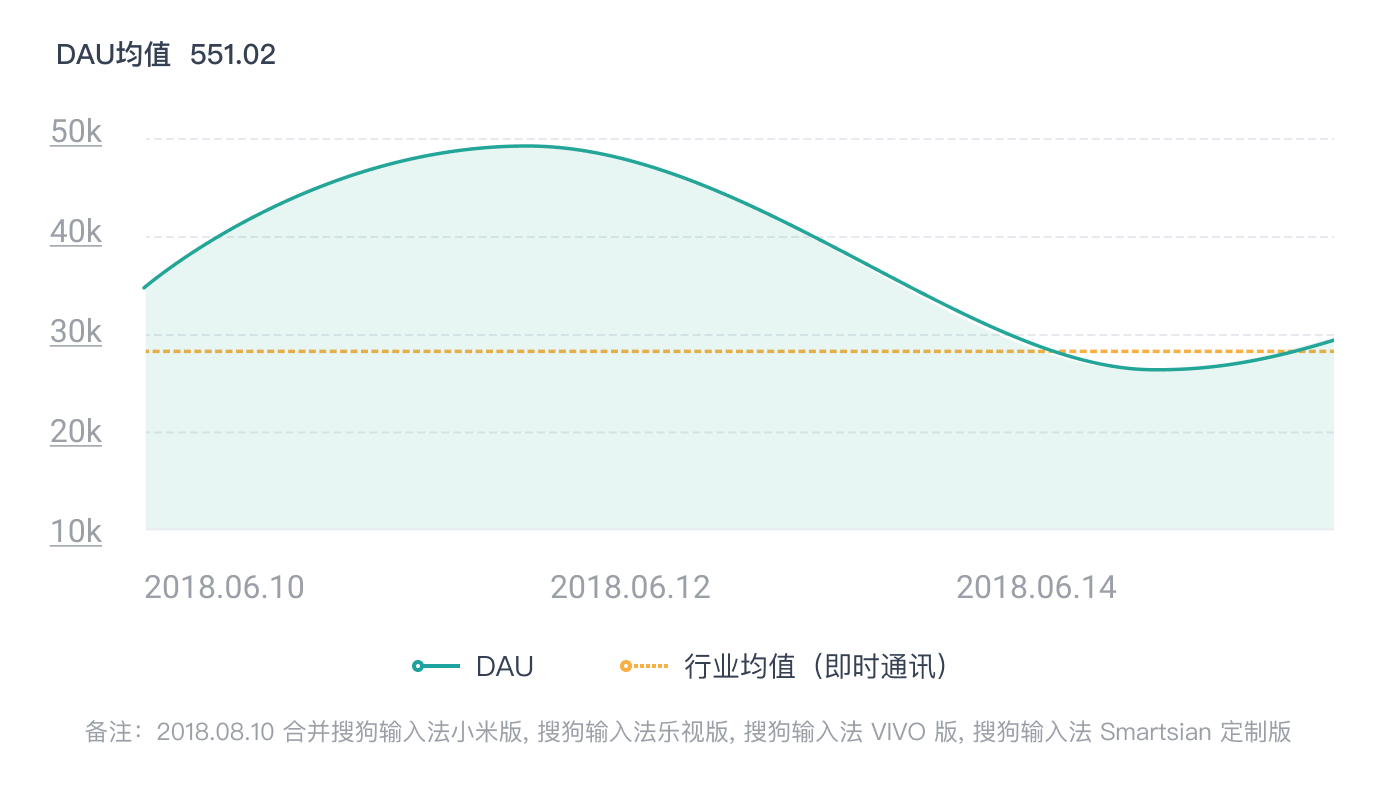
人均使用时长
 立即联系,体验更多数据
性别分布/年龄分布
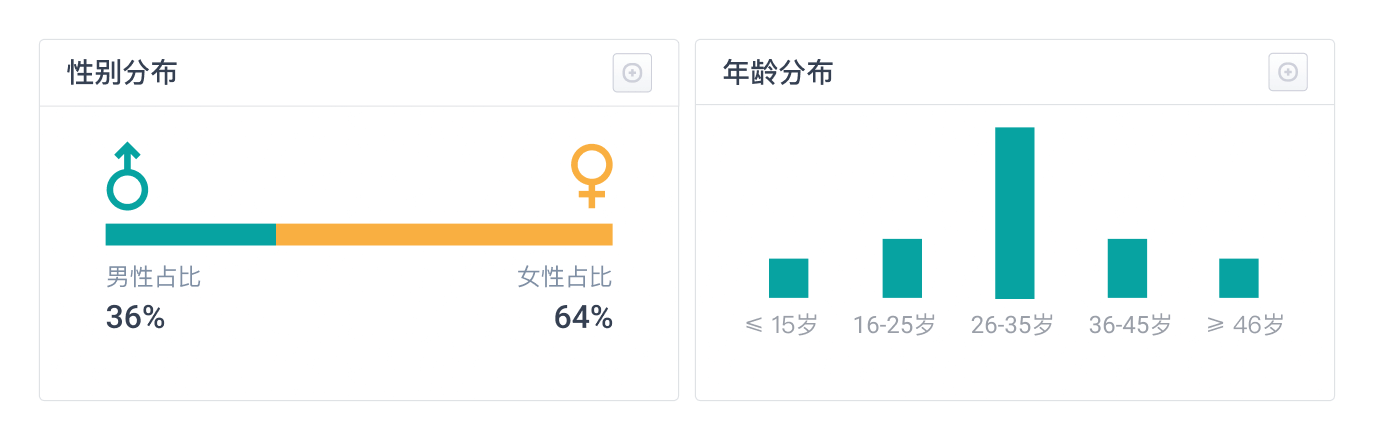 立即联系,体验更多数据
地域分布
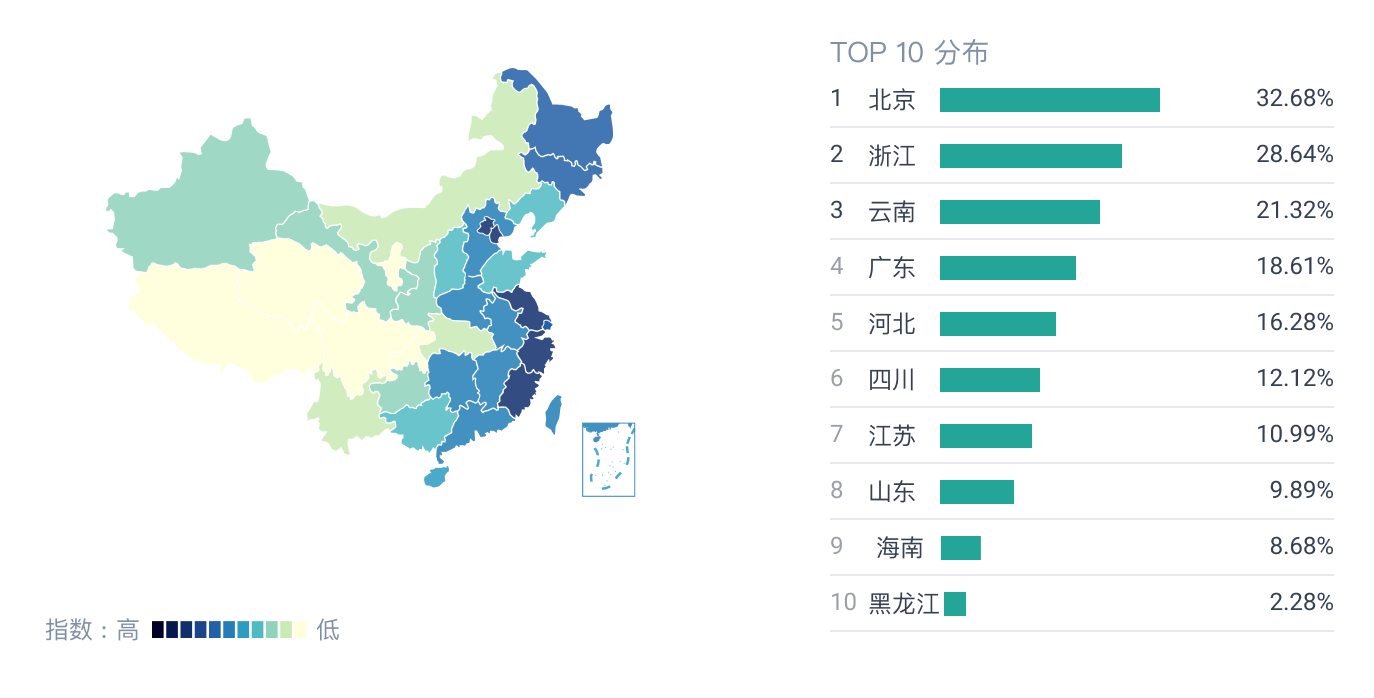 立即联系,体验更多数据